As AI-powered agents become an increasingly common way users interact with the web, optimizing for these automated tools is no longer a niche concern. Google has responded to this shift by rolling out a new set of audits in Chrome Lighthouse focused on agentic browsing, with a key addition: the llms.txt file check.
Chrome Lighthouse’s Agentic Browsing Audit Category
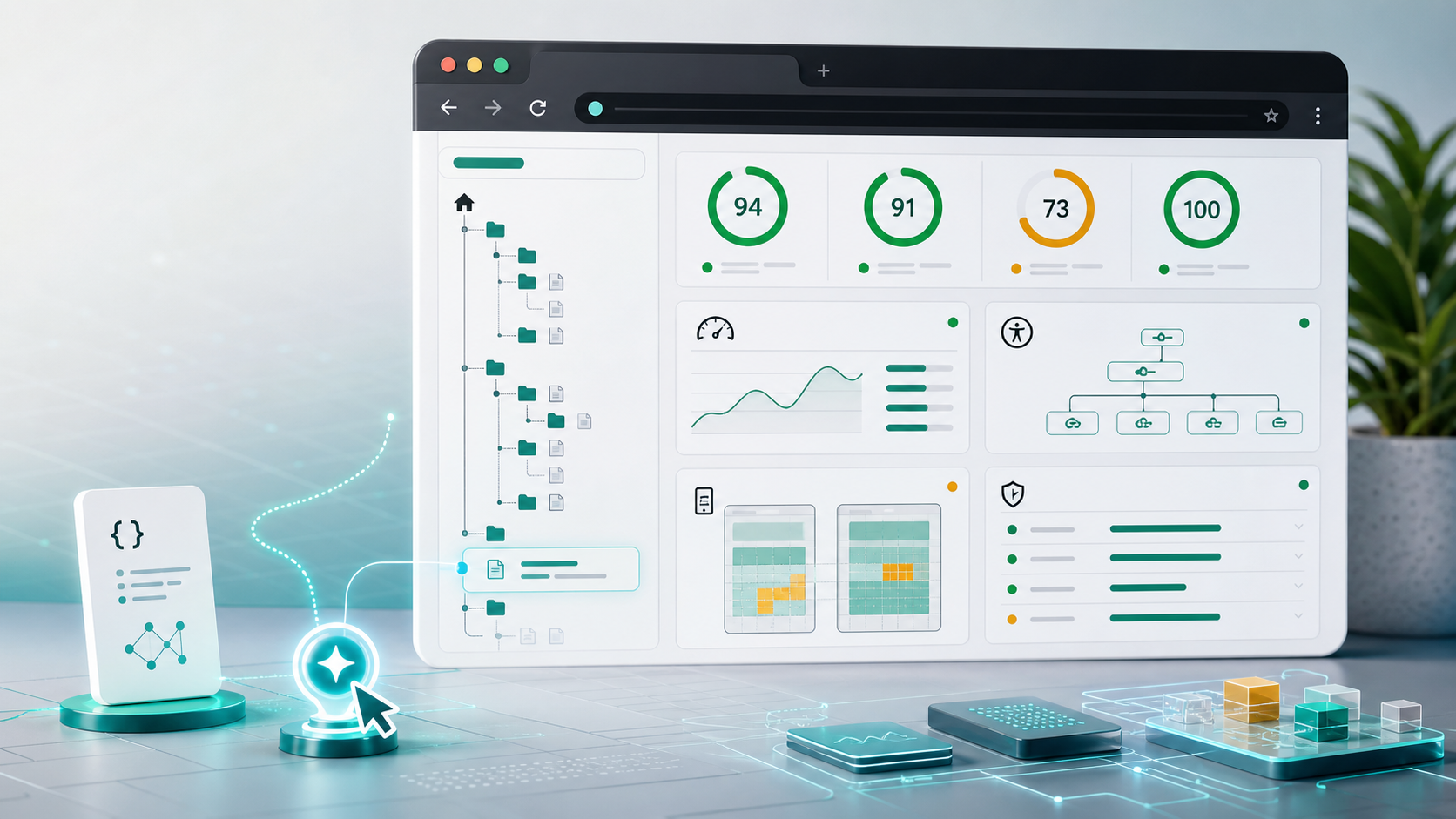
The new Agentic Browsing audit category evaluates how well your website adapts to machine interactions, moving beyond traditional user-centric metrics. Unlike Lighthouse’s familiar 0-100 scoring system, these audits use deterministic checks, displaying a pass/fail ratio along with clear results for each individual test.
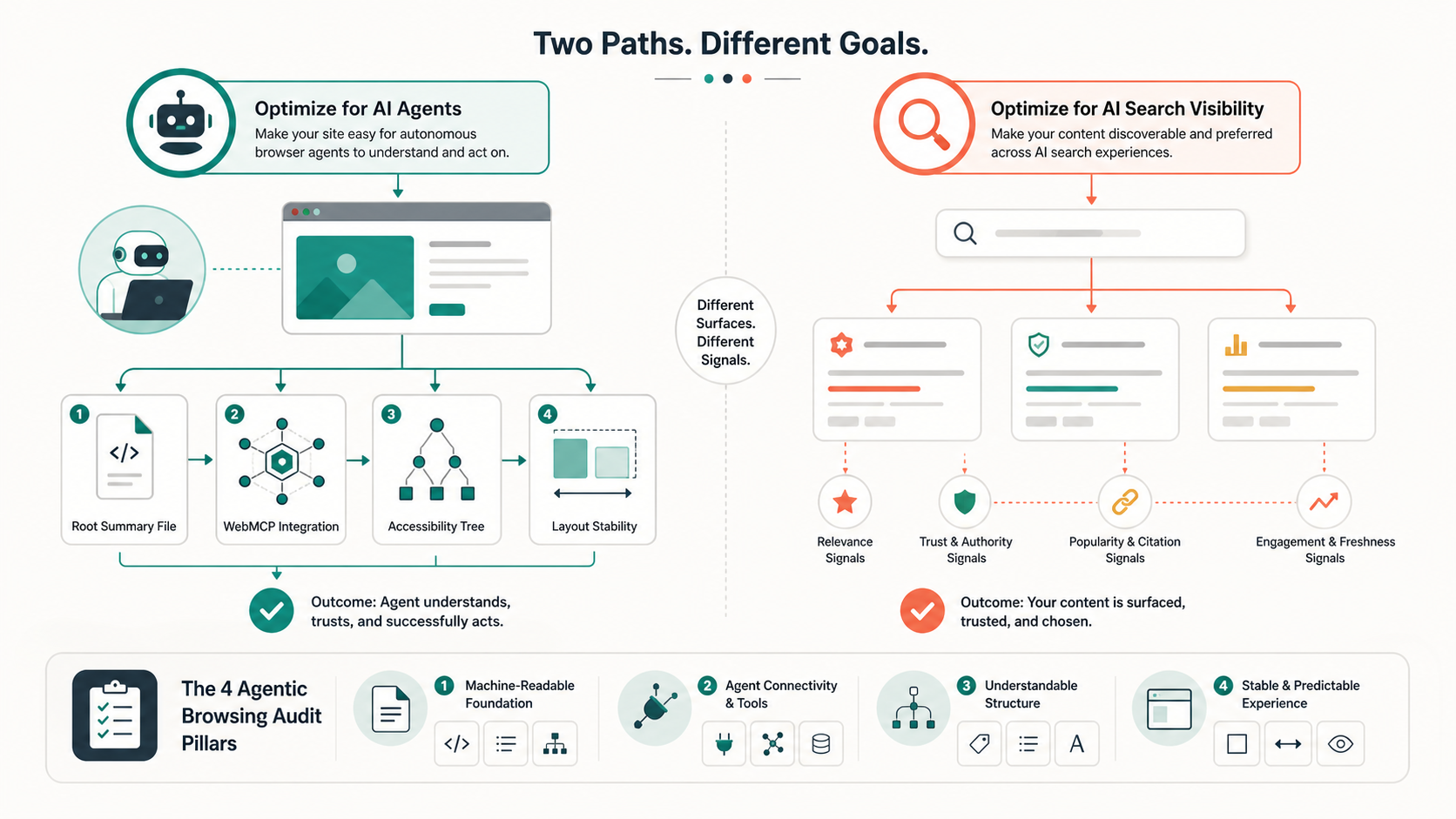
At the core of this category is the llms.txt check, which verifies the presence of a machine-readable summary file in your domain’s root directory. Without this file, AI agents may spend more time crawling and interpreting your site’s structure and content, leading to slower, less efficient interactions. The category also includes three additional critical checks:
- Integration with WebMCP (Web Machine Context Protocol)
- Accessibility tree integrity
- CLS (Cumulative Layout Shift) stability
llms.txt: Not a Requirement for AI Search Visibility
It’s important to draw a clear line between optimizing for AI agents and improving visibility in Google’s generative AI search features. Just one week after releasing guidelines for AI Overviews and AI Mode, Google clarified that creating an llms.txt file or similar specialized markers is not necessary to appear in these AI-powered search results.
The Lighthouse llms.txt check is specifically designed for AI agents and browser tools, not for influencing Google search rankings or AI search visibility. This distinction ensures website owners don’t confuse two separate optimization strategies.
Agentic Engine Optimization: Best Practices
First proposed by Google Cloud AI Engineering Director Addy Osmani in April 2026, Agentic Engine Optimization (AEO) provides a framework for optimizing websites for AI agent interactions. Key recommendations include:
- Implementing a clear semantic structure to help agents parse content efficiently
- Delivering content optimized for efficient token usage, reducing processing time for agents
- Using Markdown for content delivery where appropriate, simplifying machine readability
- Including an llms.txt file as a discovery layer for agents
- Adding an AGENTS.md file to document supported agent capabilities
Additional Core Focus Areas of Agentic Browsing Audits
AI agents rely heavily on the accessibility tree as their primary data model, making its integrity a top priority for the audits. Key checks in this area include:
- Verifying interactive elements have proper programmatic labels
- Ensuring the accessibility tree structure is valid and complete
- Checking that interactive content isn’t hidden from assistive systems
- Validating CLS scores to prevent layout shifts that disrupt agent interactions
Website owners should also note that dynamically registered WebMCP tools and large DOM changes can impact audit results, so it’s important to test these elements thoroughly.
As AI agents become more integrated into web browsing, optimizing for their needs will grow in importance. Chrome Lighthouse’s new Agentic Browsing audits provide a clear roadmap for improving compatibility, but it’s crucial to remember that these optimizations are separate from traditional SEO or AI search visibility efforts. By following AEO best practices and leveraging the new audits, you can ensure your website is ready for the next era of web interaction.